Why does the radio malfunction in 2014–2016 Corollas, and how to fix it?
Several Toyota Corolla models from the 2014-2016 range have experienced issues with their radios, which can cause frustration to owners due to malfunctioning audio systems. This guide provides an in-…
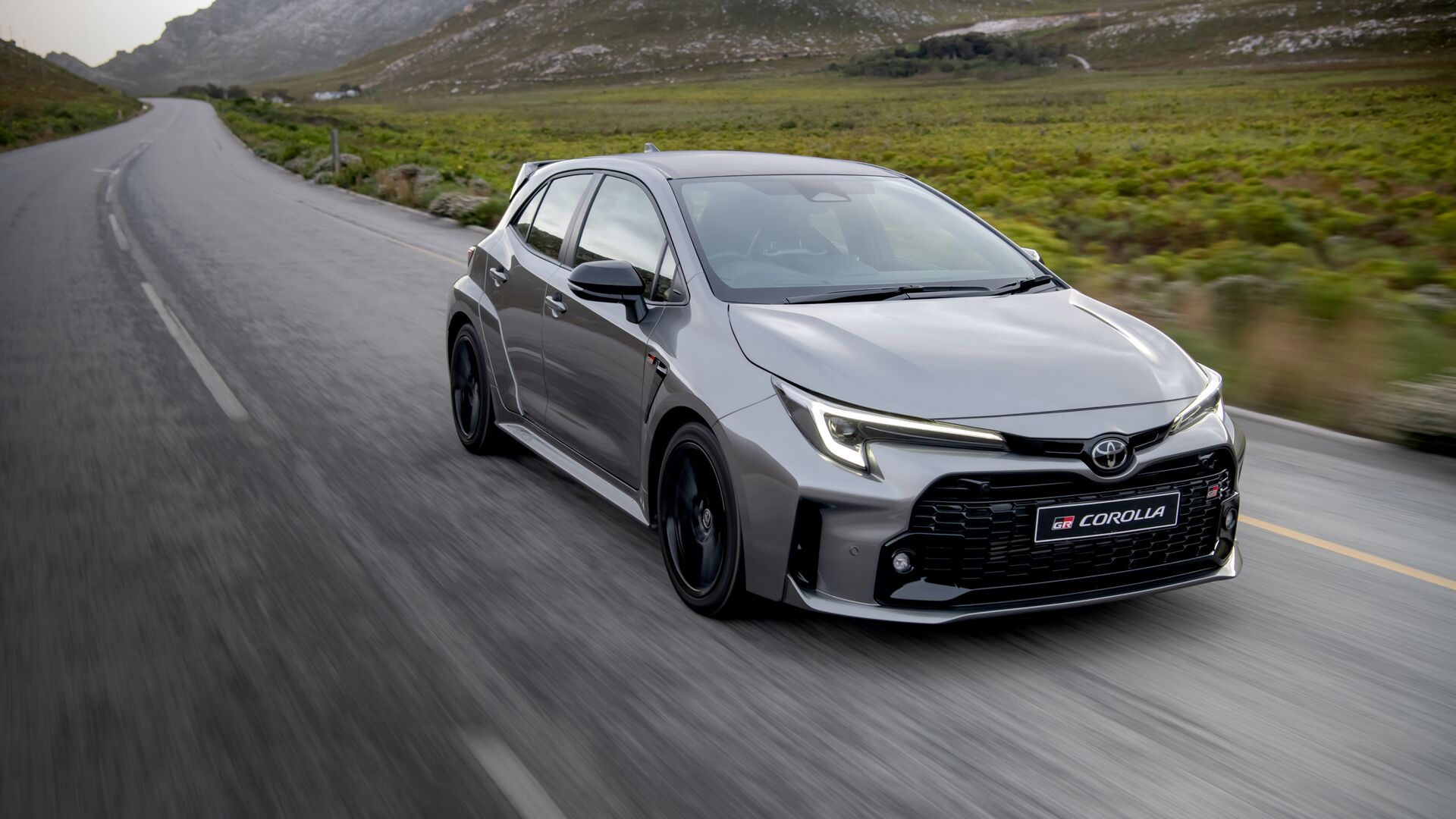
Several Toyota Corolla models from the 2014-2016 range have experienced issues with their radios, which can cause frustration to owners due to malfunctioning audio systems. This guide provides an in-depth analysis of the potential causes and solutions for these issues in the vehicles mentioned.
Common Causes of Radio Malfunctions
- Software Glitches:
One common cause of radio issues in these Corollas is software glitches. The head unit's software sometimes encounters errors that lead to malfunction; such errors may result in the radio not powering on, shutting down unexpectedly, or not responding to user inputs. - Faulty Wiring Connections:
The radio relies on a series of wiring connections to function properly. If any of these wires become loose or disconnected, the radio may behave erratically or fail to turn on altogether. - Defective Components:
Internal components such as the amplifier, speaker connections, or circuit boards might fail. Such hardware-related issues can lead to complete radio shutdown or audio disruptions.
- Blown Fuses:
A blown fuse in the vehicle's electrical system can lead to radio malfunctions. Checking the fuses associated with the audio system can often reveal a simple problem that can be quickly fixed.
Steps to Troubleshoot and Fix Radio Issues
- Perform a System Reset:
Start by performing a system reset. This can often resolve temporary glitches. Depending on the model, there may be a reset button on the radio itself, or you might be able to reset by disconnecting the vehicle battery for a few minutes. - Inspect and Secure Wiring Connections:
Check the radio's wiring harness behind the dash. Ensure that all connections are secure and that there are no visible signs of corrosion or damage. Tighten any loose connections and replace any damaged wires as necessary. - Update the Radio Software:
Check if there are any software updates available from Toyota. Manufacturers often release updates to fix bugs and improve system stability. You might need to contact a dealership or download updates from Toyota's official website to a USB stick for installation.
- Check Fuses:
Locate the fuse box, usually found beneath the dashboard or within the engine bay. Refer to the vehicle’s manual to identify the correct fuse for the radio. Inspect this fuse, and if it’s blown, replace it with one that has the same amperage rating. - Consult a Professional:
If the above steps do not solve the problem, it may be necessary to bring your vehicle to a professional. A certified technician will have the necessary tools and skills to diagnose and repair any complex electrical or component issues in the radio.
Preventative Measures and Maintenance Tips
- Regular Software Checks:
Regularly check for software updates to prevent future malfunctions and to keep the audio system at optimal performance. - Routine Inspections:
Include wiring inspections as part of regular vehicle maintenance to ensure that all connections remain secure. - Protect the Interior from Environmental Extremes:
Extreme temperatures and humidity can damage electrical components. Use sunshades and garage storage to minimize exposure to harsh environmental conditions.
By following these steps and maintaining awareness of potential issues, 2014–2016 Toyota Corolla owners can minimize radio malfunctions, ensuring a more enjoyable and hassle-free driving experience.