Why does the infotainment system freeze in the 2019 Bolt EV, and what are the fixes?
Understanding Infotainment System Freezing in the 2019 Bolt EV The infotainment system in the 2019 Chevrolet Bolt EV, like in many modern vehicles, serves as the hub for navigation, multimedia, and v…
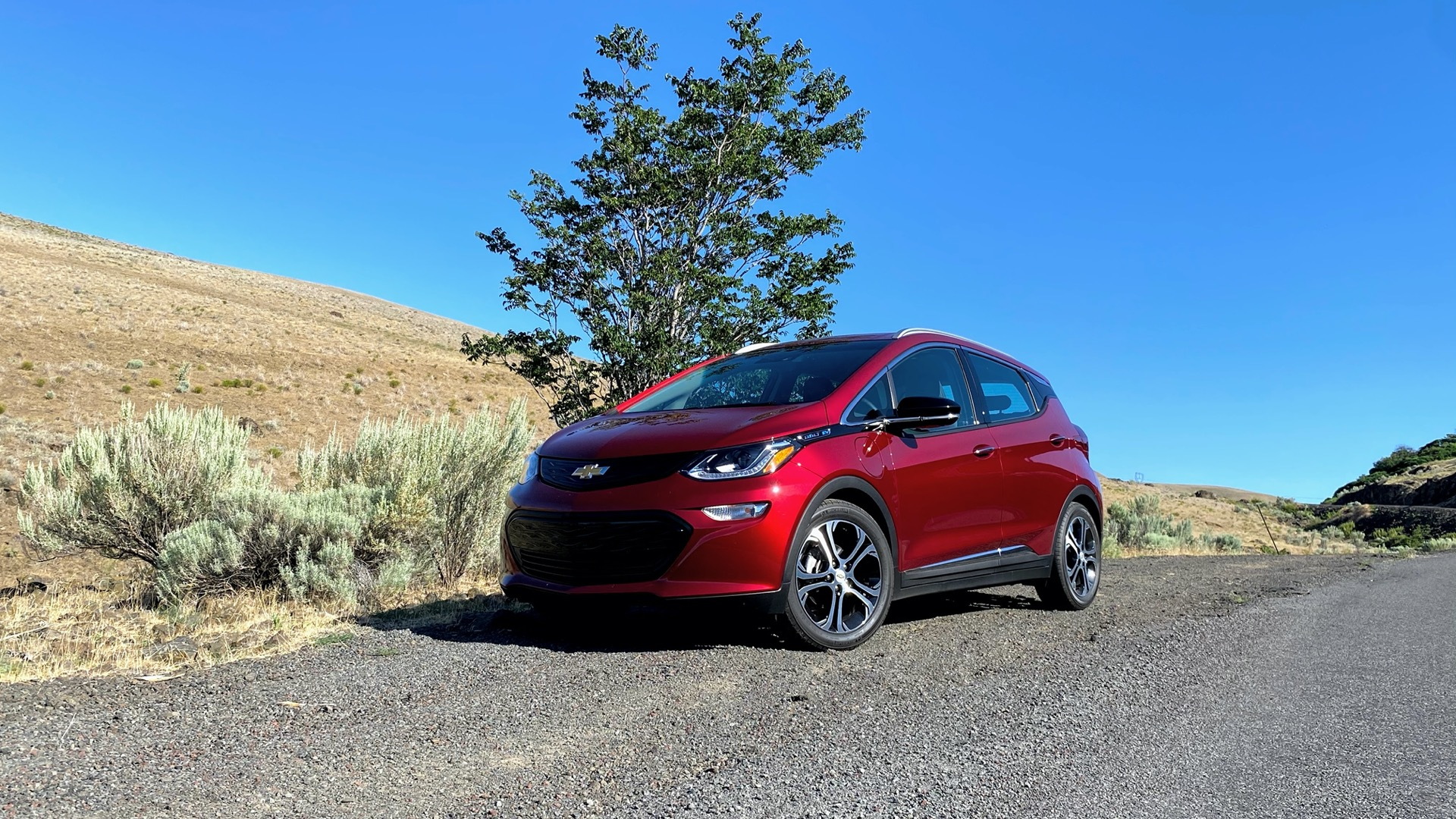
Understanding Infotainment System Freezing in the 2019 Bolt EV
The infotainment system in the 2019 Chevrolet Bolt EV, like in many modern vehicles, serves as the hub for navigation, multimedia, and vehicle settings. Freezing can occur for several reasons, often relating to software glitches, hardware issues, or environmental factors. Let’s explore some common causes:
- Software Glitches: Software bugs or outdated system software can lead to the system becoming unresponsive.
- Overloaded System: Running multiple applications simultaneously or excessive stored data, such as music files, may strain the system's processing capabilities.
- Connectivity Issues: Problems connecting with external devices such as phones via Bluetooth can sometimes cause freezes.
- Temperature Extremes: Exposure to very high or low temperatures may impact the electronic components, causing temporary malfunctions.
Fixes for Freezing in the 2019 Bolt EV Infotainment System
Addressing the freezing issue involves some basic troubleshooting steps and may require more advanced corrections if the problem persists:
- Software Update: Ensure the infotainment system software is up-to-date. Visit a Chevrolet dealership where technicians can install the latest firmware updates to resolve known bugs.
- System Reboot: Try restarting the infotainment system. This can sometimes be done by turning the car off and on, but you may also need to perform a specific 'soft reset' as outlined in the user manual.
- Clear Excess Data: Remove unnecessary files and apps from the system to prevent overload and ensure it operates smoothly.
- Check Connectivity: Ensure all connected devices are compatible and functioning properly. Unpair and reconnect devices to see if the problem persists after re-establishing connections.
- Temperature Management: Park the vehicle in moderate conditions if possible or wait for the occupants’ cabin to reach average temperatures before operating the system.
- Consult With Dealership: If basic troubleshooting does not solve the problems, consulting with a Chevrolet dealer may be necessary for more extensive diagnostics and repairs. They may conduct hardware checks or install a new head unit if a hardware fault is detected.
By following these steps, many issues with a freezing infotainment system in the 2019 Bolt EV can be effectively managed. Nevertheless, staying informed about manufacturer bulletins for similar issues can also be beneficial.