What maintenance is required for the Intelligent Around View Monitor system on a 2022 Nissan Rogue?
Regular Cleaning Periodically clean the cameras located on the front grill, side mirrors, and rear license plate area. Use a soft cloth and mild detergent to avoid scratching the lenses. Ensure that …
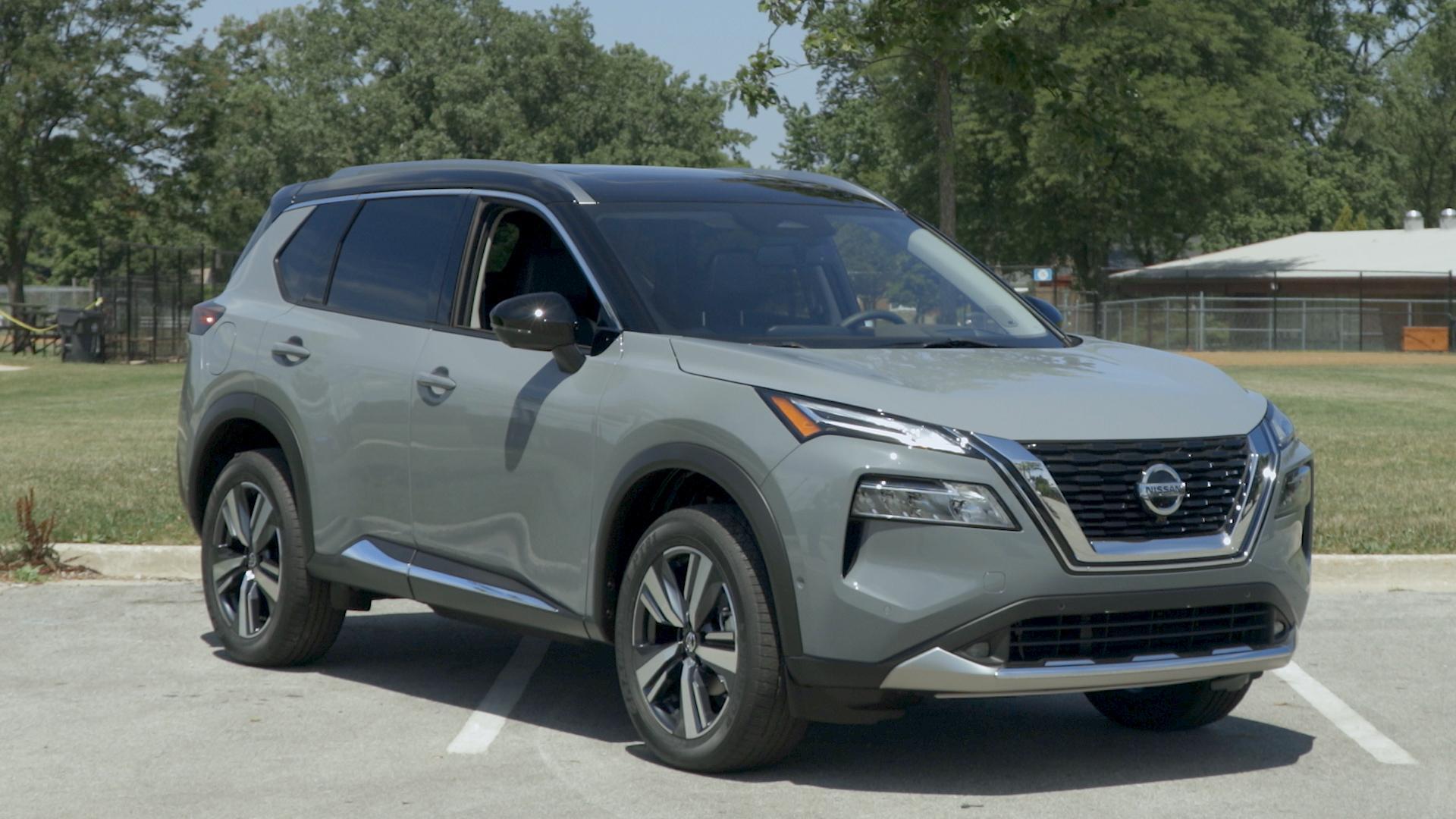
Regular Cleaning
- Periodically clean the cameras located on the front grill, side mirrors, and rear license plate area. Use a soft cloth and mild detergent to avoid scratching the lenses.
- Ensure that the lenses are free from dirt, snow, or ice, which can obstruct the view provided by the monitors.
Software Updates
- Check for software updates regularly, either through scheduled maintenance at a Nissan dealership or via the in-car infotainment system if it supports over-the-air updates.
- Keep the Vehicle Information Display and infotainment system up to date to ensure smooth functioning of the Around View Monitor system.
System Calibration
- After any collision or repair that involves the body panels, have the system recalibrated by a certified Nissan technician to ensure accuracy.
- If you notice inconsistencies in the display or alerts, schedule a check-up with your dealer for recalibration.
Visual Inspection
- Regularly inspect the wiring and connections associated with the cameras to ensure they are not damaged or loose.
- Check the integrity of the camera mounts to make sure they are properly positioned and secured.
Professional Maintenance
- Schedule regular maintenance check-ups at a certified Nissan service center. This will include a thorough inspection of the Intelligent Around View Monitor system.
- Keep a record of all services and inspections to ensure you have a comprehensive maintenance history.
User Settings
- Familiarize yourself with the settings and calibration options within the vehicle’s infotainment system to customize the cameras as per your preference.
- Reset to factory settings if you experience any issues or irregularities with the system.