What leads to software glitches causing system reboots in the 2021 Tesla Model 3, and how can they be resolved?
A variety of factors can lead to software glitches causing system reboots in the 2021 Tesla Model 3. Understanding these causes and implementing solutions is key to maintaining the vehicle’s performa…
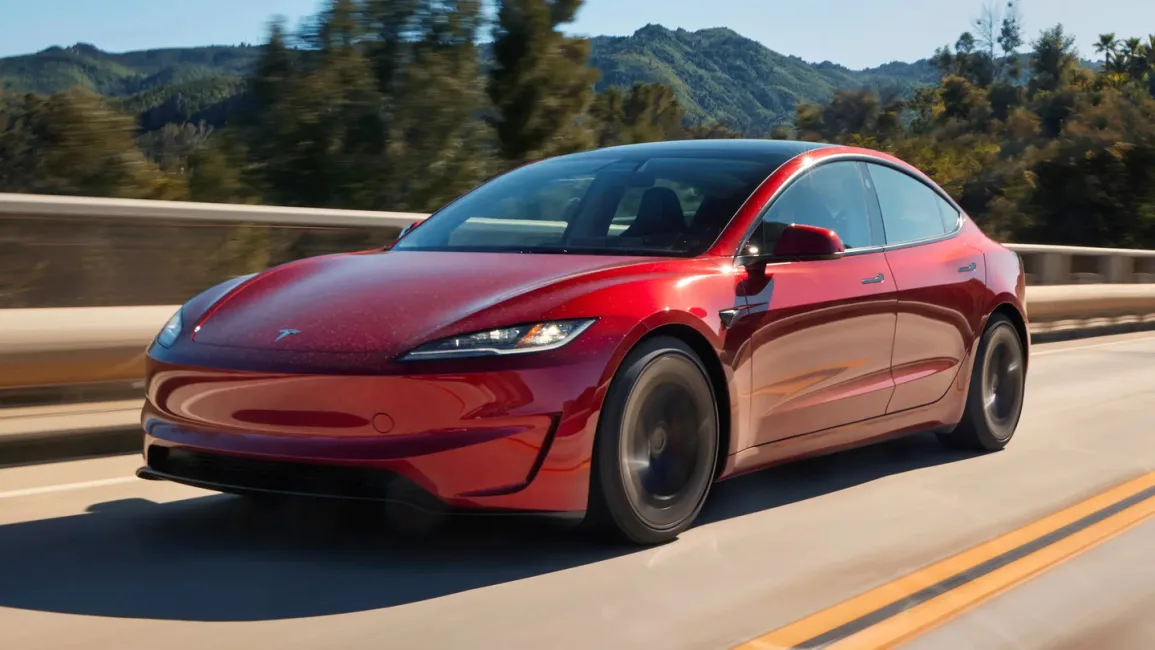
A variety of factors can lead to software glitches causing system reboots in the 2021 Tesla Model 3. Understanding these causes and implementing solutions is key to maintaining the vehicle’s performance and reliability.
Causes of Software Glitches
- Over-the-Air (OTA) Updates: While OTA updates provide new features, they can also introduce bugs that may disrupt system operations, causing reboots if not perfectly aligned with the vehicle's existing software environment.
- Resource Overload: The centralized computer in the Model 3 handles numerous tasks simultaneously. Intensive data processing from features like Autopilot or complex infotainment functions can overload the system, potentially leading to reboots.
- Compatibility Issues: Sometimes, third-party applications or accessories can interfere with Tesla's software, causing glitches or unexpected system behavior.
- Corrupted Data: Over time, the accumulation of corrupted or fragmented data in the vehicle’s memory can trigger erratic performance or crashes.
Solutions to Resolve Software Glitches
- Regular Software Updates: Keeping the vehicle’s software up to date is crucial. Tesla regularly releases updates that fix bugs and improve system stability. Always ensure your Model 3 receives the latest updates promptly.
- System Reset: Performing a soft reset of the car’s computer can resolve minor software issues. To perform a reset, press and hold the scroll wheels on the steering wheel until the display reboots.
- Factory Settings Restoration: As a last resort, restoring the vehicle to factory settings can help resolve persistent issues arising from corrupted configurations. Note that this will erase all personal data and settings, so it should be done cautiously.
- Check for Third-Party Interferences: If issues are suspected to be from third-party devices or apps, disconnect them to see if the problem resolves. Sometimes, third-party products may not operate smoothly with Tesla's software.
- Tesla Service Center Assistance: For unresolved challenges, visiting a Tesla Service Center is advisable. Professional technicians can diagnose deeper issues through advanced diagnostics and provide targeted solutions.
By understanding the underlying causes and utilizing the mentioned solutions, owners can minimize disruptions associated with software glitches in the 2021 Tesla Model 3, ensuring a smoother driving experience.