How to update the navigation system in a 2022 Honda Accord?
Check for Available Updates First, ensure that there are updates available for the navigation system. You can do this by visiting the official Honda website or contacting a local Honda dealership. Lo…
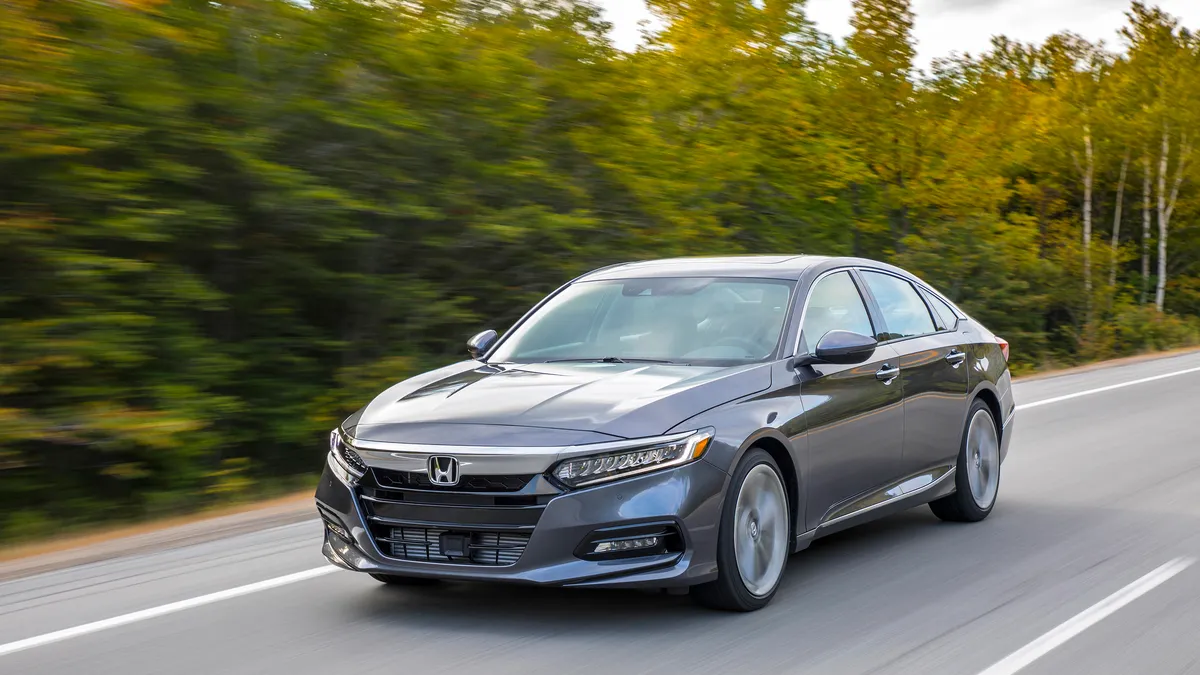
Check for Available Updates
- First, ensure that there are updates available for the navigation system. You can do this by visiting the official Honda website or contacting a local Honda dealership.
- Look for the 'Owner' section on the Honda website, and then navigate to the 'Maps' or 'Navigation' section.
- Enter your vehicle's details (such as the make, model, and year) to check if there are any new updates available for your 2022 Honda Accord.
Purchase a Navigation System Update
- If an update is available, you might need to purchase it. Updates can sometimes require a fee, but they are necessary to ensure that your system has the most accurate mapping information.
- Follow the instructions on the Honda website to purchase the update. This might involve creating an account or simply buying a software package.
Prepare a USB Device
- Once you’ve purchased the update, the next step is to download it onto a USB flash drive. Make sure the USB has sufficient storage space and is formatted correctly (typically in FAT32 format).
- It’s a good idea to back up any important data on the USB drive before formatting, as formatting will erase all existing data on the drive.
Download the Update
- Follow the instructions provided on the website to download the update files to your computer first.
- Once downloaded, transfer these files to the prepared USB flash drive. Ensure that all files are copied correctly to avoid any issues during installation.
Install the Update in Your Vehicle
- Insert the USB flash drive containing the update files into the USB port of your 2022 Honda Accord. Usually, there are USB ports located near the dashboard or center console.
- Turn on your vehicle and the infotainment system. It should automatically detect the update files on the USB drive.
- Follow the on-screen prompts to begin the update. Carefully read and proceed with each step to ensure proper installation. It’s crucial not to interrupt the update process.
- The system might restart during the update, so make sure the vehicle remains on until the update is complete.
Verify the Update
- Once the update process is completed, go to the navigation settings and verify the version number to confirm the update was successful.
- You might also want to check some critical routes or new points of interest to ensure functionality.
By following these steps, your Honda Accord’s navigation system should be fully updated with the latest maps and features, ensuring smooth and efficient navigation while driving.