How to resolve issues with driver assistance features not performing as expected in the Rivian R1T?
Understand the Driver Assistance System Review the Rivian R1T owner’s manual to understand the specific features and limitations of the driver assistance system. Each vehicle has its own capabilities…
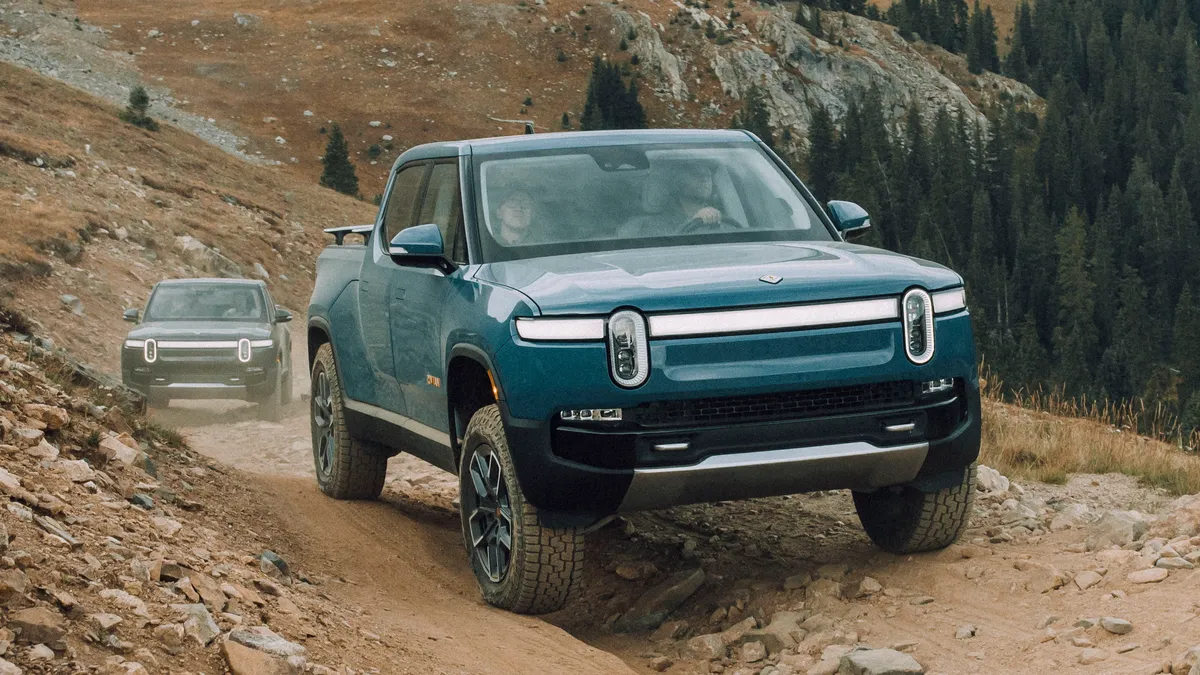
Understand the Driver Assistance System
- Review the Rivian R1T owner’s manual to understand the specific features and limitations of the driver assistance system. Each vehicle has its own capabilities, so knowing these will help manage expectations.
- Familiarize yourself with system notifications, messages, and symbols displayed on the dashboard to recognize when the system is encountering challenges.
Check for Software Updates
- Ensure that your Rivian R1T vehicle’s software is up-to-date. Vehicle manufacturers frequently release updates to enhance system performance and address known issues.
- Connect your vehicle to a reliable Wi-Fi network and follow the manufacturer’s instructions to download and install any pending updates.
Calibrate Camera and Sensors
- Inspect the vehicle’s cameras and sensors regularly for obstructions, such as dirt, ice, or road debris. Clean them based on guidelines provided in the owner’s manual.
- If cameras or sensors become misaligned following maintenance or minor accidents, consider having them recalibrated by a certified Rivian service center. Proper alignment is necessary for optimal performance of the driver assistance system.
Review Environmental Factors
- Identify any environmental conditions that could impede system performance, such as heavy rain, fog, snow, or direct sunlight. These factors may temporarily impair the functionality of driver assistance systems.
- If environmental factors are a concern, it is advisable not to overly rely on assistance features and instead drive manually until conditions improve.
Inspect Vehicle Configuration
- Verify that the driver assistance settings are properly configured to your driving preferences. Sometimes, issues arise from incorrect or unintended settings changes.
- Reset features, if needed, and reconfigure the settings according to your driving habits and needs.
Contact Rivian Support
- After attempting the above steps, contact Rivian support if issues persist. They can provide assistance and may already have solutions in place for known issues.
- Should the problem be complex, Rivian may recommend visiting a service center for a comprehensive diagnostic and repair.
Documentation and Feedback
- Maintain detailed notes of the issue timeline, including when it occurs and any patterns observed. This information can be invaluable during discussions with support teams.
- Share feedback with Rivian about your experience. Automakers rely on user feedback to improve systems and address common issues.