How to reset the tire pressure monitoring system on a 2019 Mercedes-Benz C-Class?
To reset the tire pressure monitoring system (TPMS) on a 2019 Mercedes-Benz C-Class, follow these detailed steps: Step 1: Ensure Proper Tire Inflation Before starting the reset process, ensure all ti…
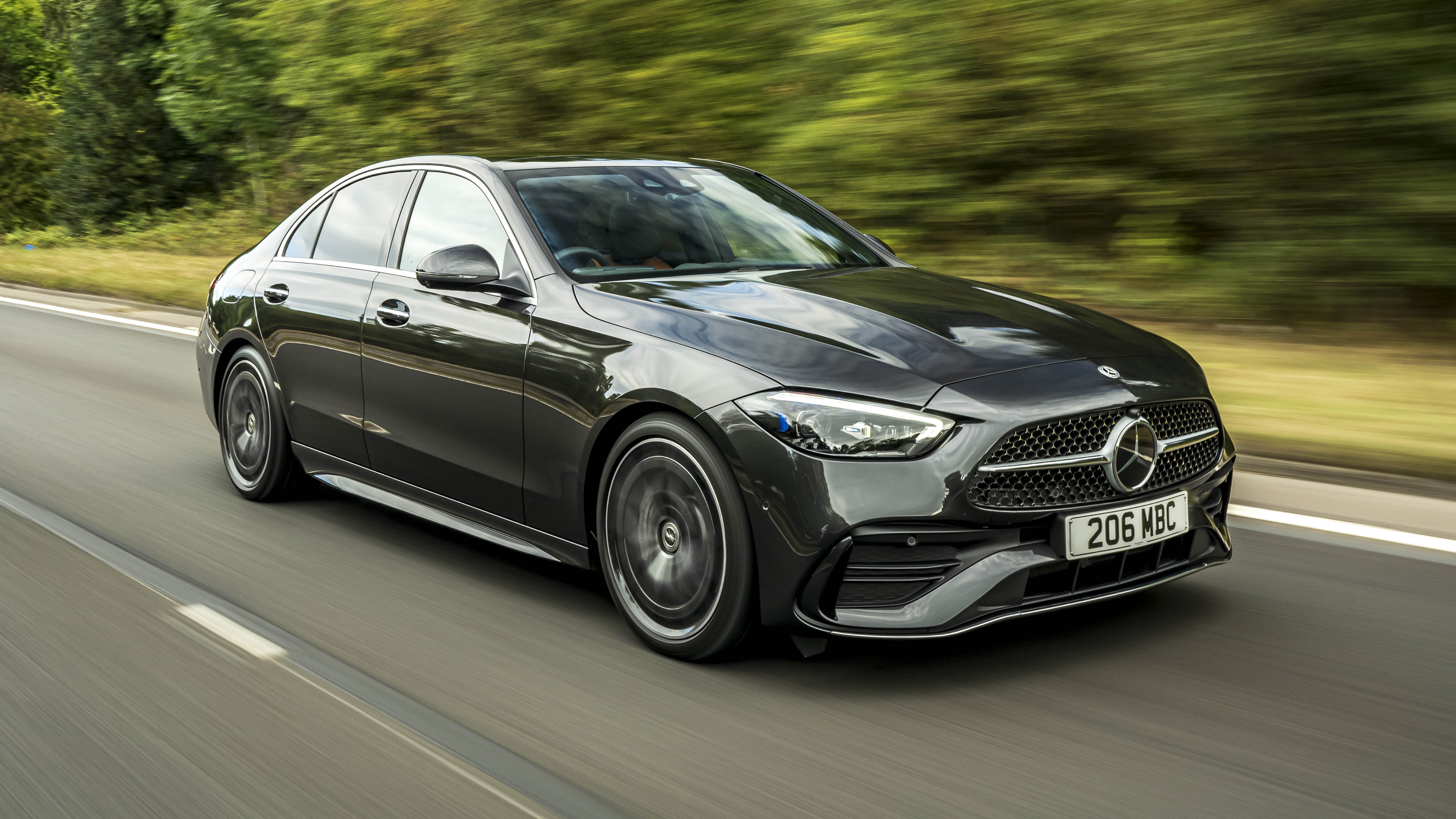
To reset the tire pressure monitoring system (TPMS) on a 2019 Mercedes-Benz C-Class, follow these detailed steps:
Step 1: Ensure Proper Tire Inflation
Before starting the reset process, ensure all tires are inflated to the recommended pressure levels specified in the owner's manual or the sticker located on the driver's side door jamb.
Start with a cold engine and tires that have not been driven on recently to get the most accurate pressure readings.
Join the AutoFame community. Become a member for free, add your car to the garage and tell its story. Join AutoFame.
Step 2: Start the Vehicle
Insert the key and turn it to the ignition position, or if you have a push-start button, press it without pressing the brake pedal to turn on the electrical systems without starting the engine.
Step 3: Access the Instrument Cluster
Use the left side steering wheel-mounted controls to navigate the instrument cluster.
Look for the "Home" button or use the directional pads to find the "Service" menu in the display.
Step 4: Use the Control Buttons
Press the "Home" button or scroll using the navigation controls on the steering wheel until you see the “Service” option on the screen.
Select "Service" by pressing the confirm button or OK button on your steering wheel.
Step 5: Select the Tire Pressure Menu
Within the "Service" menu, use the scrolling and selection buttons to navigate to the “Tire Pressure” submenu.
Step 6: Reset Tire Pressure
When in the "Tire Pressure" submenu, the option to reset or initialize the tire pressure monitoring system should be available. Select this option by pressing the confirm or OK button.
The system will ask for confirmation to reset, select "Yes" or "Reset" to confirm your decision.
Step 7: Drive the Vehicle
To complete the TPMS reset process, it may be necessary to drive the vehicle for a short distance (typically a few miles) at a steady speed above 20mph (about 32 km/h).
This action helps the system to re-learn the new tire pressure settings and clear any warnings.
Step 8: Verify TPMS Light Reset
After driving, park the vehicle and turn off the ignition.
Check the instrument cluster for any remaining tire pressure warnings. If done correctly, the TPMS light should no longer appear, indicating that the reset was successful.
Following these steps should successfully reset the TPMS on your 2019 Mercedes-Benz C-Class, ensuring accurate tire pressure monitoring.
Have a car with a story like this? Become an AutoFame member and share it with people who love cars as much as you do.
About AutoFame
AutoFame is a home for people who love cars and the stories behind them. Every car on a show field or in a garage has a history: who built it, who saved it, the road trips, the late nights in the shop and the people who helped along the way. AutoFame gives those stories a place to live, so they are not lost when the hood closes or the car changes hands.
Membership is free. Once you join, you can add your car to your own AutoFame garage with photos, specs and the story only you can tell. Restorations, survivors, daily drivers, race cars and family heirlooms all belong here. Other members can find your car, follow its progress and connect with you over the details that matter to car people.
Beyond member garages, AutoFame publishes stories, guides and features on the cars, builders and history that shape car culture. You will find buying and restoration guides, car parts explainers, special editions, the newest models and the classics that started it all. The AutoFame Gallery puts member cars on display for anyone to browse, and the AutoFame YouTube channel adds owner interviews, show highlights and the conversations that happen around a good car.
AutoFame is also built for the people who run car shows. Organizers use it to manage entries and judging, and judges score each car category by category on their phones, with a written guide for every category so nothing gets skipped. After a judged show, owners can see what their car was scored on and how it compared. Shows across the Texas Gulf Coast have run on AutoFame, including the Moody Gardens Car Show in Galveston, Good Grub and Gears, and Keels and Wheels at Lakewood Yacht Club.
AutoFame was founded by Kevin Brady, whose own life in cars began long before he started building tools for the hobby. The idea is simple: the people who love these cars should have one place to share them, learn from each other and keep the stories going.
Whether you own a show winner, a project that is still in pieces or simply love reading about great cars, there is room for you here.
Be part of the AutoFame community. Join free and become a member today.