How to operate the headlights in 1969 Chevrolet Camaro ZL1?
Operating the headlights on a 1969 Chevrolet Camaro ZL1 might be a task many owners find challenging, especially if they are new to classic cars or if the vehicle's manual is missing. These vehicles …
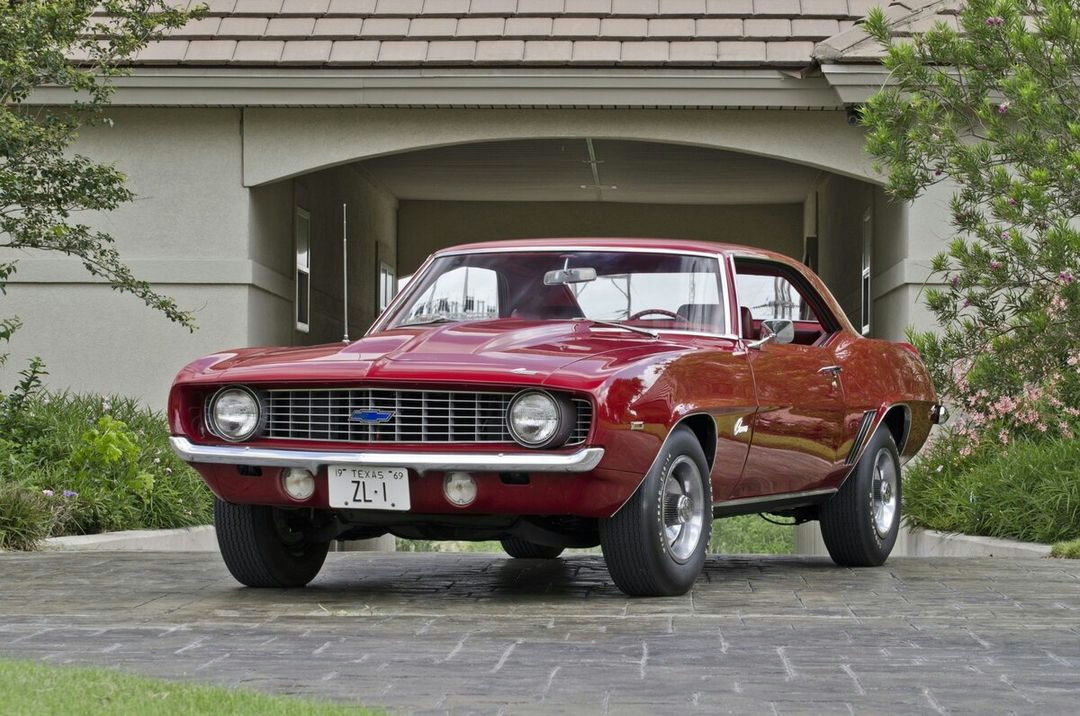
Operating the headlights on a 1969 Chevrolet Camaro ZL1 might be a task many owners find challenging, especially if they are new to classic cars or if the vehicle's manual is missing. These vehicles don't come with modern, intuitive controls, so understanding how to use the headlights properly is essential for safe driving, especially at night or in poor weather conditions. Here is how to solve this issue.
Step 1: Locate the Headlight Switch
Open the driver's side door and sit in the driver's seat. Look towards the left side of the dashboard, near the steering column. You will find a small knob, which is the headlight switch. The knob is typically round and may have a ridged edge for easy gripping. Additionally, the headlight switch might have a simple icon of a headlight or light rays on it.
Step 2: Turn on the Parking Lights
To turn on the parking lights, pull the headlight switch out to the first detent (the first stopping point). This action will activate the parking lights without turning on the main headlights. Check that the lights around the exterior of the car, including the tail lights, are illuminated to confirm the parking lights are on.
Step 3: Activate the Headlights
To fully activate the headlights, pull the headlight switch out to the second detent. You should feel a more significant stop or click as you do this. The main headlights on the front of the car should now be on. Walk around your Camaro to ensure both headlights are illuminated properly.
Step 4: Use the High Beams
For high beams, locate the high beam switch, which is typically a pedal located on the floor to the left of the brake pedal. This small, circular button can easily be pressed with your foot. Press the button once to switch to high beams, and the high beam indicator light (usually a blue icon) will appear on the instrument cluster. Press the button again to switch back to low beams.
Step 5: Turning Off the Headlights
To turn off the headlights, push the headlight switch back in toward the dashboard until it is flush. This action will turn off both the parking and main headlights simultaneously. Always ensure that the lights are off to avoid draining the car's battery.
By following these steps carefully, you can confidently operate the headlights on your 1969 Chevrolet Camaro ZL1, ensuring safety and compliance with driving regulations.