How to fix problems with the Rivian mobile app connectivity or keyless entry system in the Rivian R1T?
Check Internet Connection Ensure that your smartphone has a stable internet connection. If you're using Wi-Fi, make sure it's functioning correctly. If you're connected to cellular data, check that y…
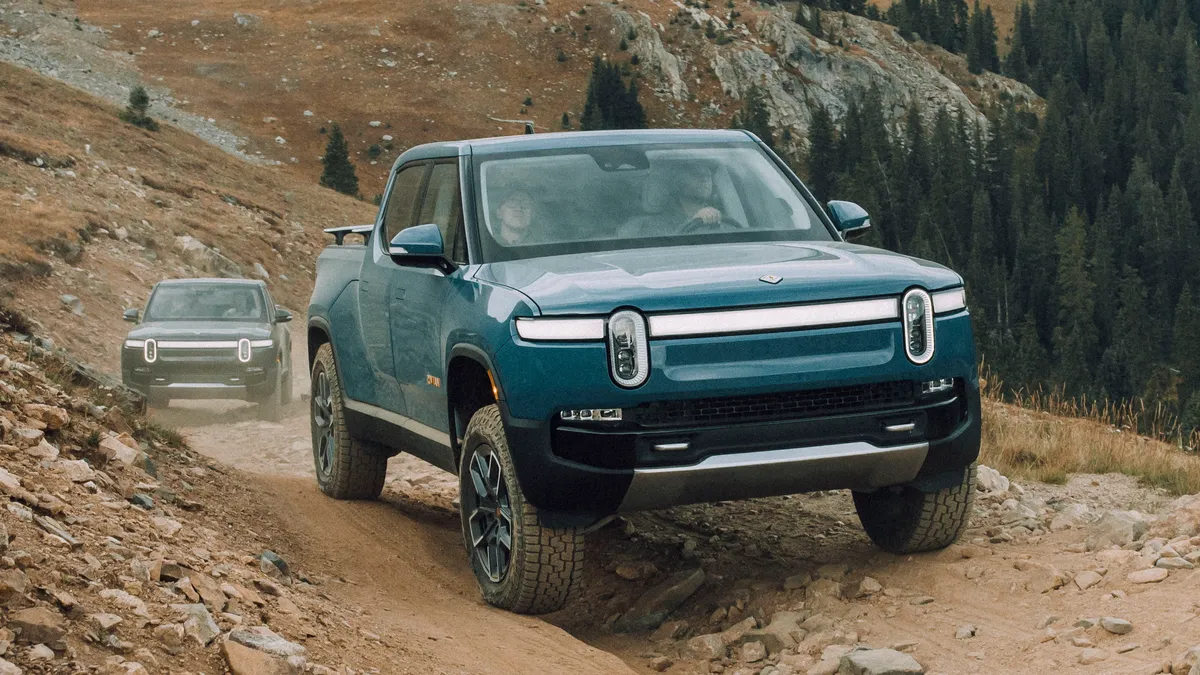
Check Internet Connection
- Ensure that your smartphone has a stable internet connection. If you're using Wi-Fi, make sure it's functioning correctly. If you're connected to cellular data, check that your signal strength is adequate.
- Sometimes, simply toggling airplane mode on and off can help refresh your connection.
Restart the Mobile App
- Try closing and reopening the Rivian mobile app. Sometimes, apps may not function correctly until they've been restarted.
- If the problem persists, consider logging out and logging back in to reset your app's functionality.
Update the Mobile App
- Check whether there is an update available for the Rivian mobile app in the App Store (for iOS) or Google Play Store (for Android). Updates often contain bug fixes and improvements.
- If an update is available, download and install it to ensure you have the latest version.
Reset Bluetooth Connection
- Open your phone's settings and navigate to Bluetooth settings.
- Forget the Rivian R1T from the list of paired devices and then reconnect it by following the pairing instructions provided by Rivian.
Enable Location Services
- Rivian's keyless entry system may rely on location services. Make sure location services are enabled for the mobile app within your smartphone's settings.
- Ensure that the app has permissions to access your location even when it's running in the background.
Check Vehicle Software Updates
- Sometimes issues with the mobile app or keyless entry can be due to the vehicle's software. Check if there are any pending software updates for your Rivian R1T and install them if available.
- Software updates can resolve connectivity issues and improve system performance.
Contact Rivian Support
- If you've tried all the steps above and still experience issues, you may need to contact Rivian customer support for further assistance.
- Rivian support can help troubleshoot specific issues, provide guidance on settings, or book a service appointment if necessary.