How to fix issues with driver assistance features in the 2018 Bolt EV?
Identify the Problem Start by determining the specific driver assistance feature that is malfunctioning. Common features in the 2018 Chevrolet Bolt EV include lane keep assist, forward collision aler…
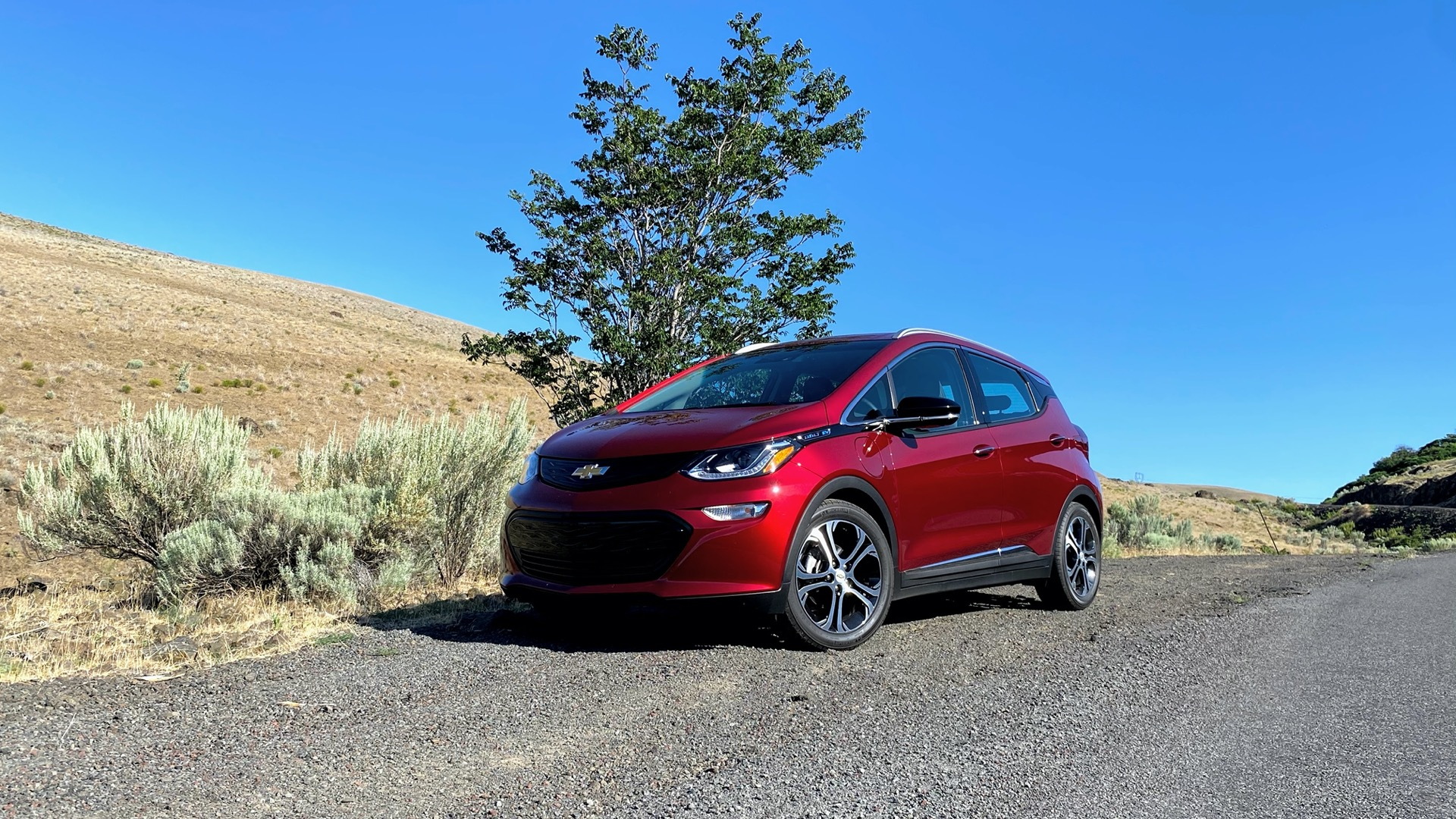
Identify the Problem
- Start by determining the specific driver assistance feature that is malfunctioning. Common features in the 2018 Chevrolet Bolt EV include lane keep assist, forward collision alert, and automatic emergency braking.
- Note any error messages or warning lights on your dashboard that might provide clues about the issue.
- Keep a record of when the issues occur, as this can help in diagnosing intermittent problems.
Check System Settings
- Verify that the driver assistance features are enabled in the vehicle’s settings. This can usually be done via the infotainment system menu.
- Ensure that you adjust the settings to your preference, as some features offer sensitivity adjustments, like the distance for forward collision alerts.
Inspect Sensors and Cameras
- Clean all sensors and cameras located on the front and rear of the vehicle. Dust, dirt, or debris can obstruct their view, leading to malfunction.
- Ensure that no modifications, such as bumper stickers or aftermarket accessories, are obstructing any sensors or cameras.
Update Software
- Check if there are any software updates available for your vehicle. This may require visiting a Chevrolet dealership, as updates for driver assistance systems may need to be installed by professionals.
- Consult the owner’s manual or Chevrolet’s official website to determine how to check for software updates specific to the Bolt EV model.
Review the Owner's Manual
- Consult the Chevrolet Bolt EV owner’s manual for detailed information about your car's driver assistance features.
- The manual can provide troubleshooting tips and may offer insight into specific error codes displayed on the dashboard.
Perform a System Reset
- Try resetting the infotainment and driver assistance systems. This can often be done by disconnecting the battery temporarily or using any available reset option in the settings menu.
- Keep in mind that a system reset might require you to re-enter certain settings or preferences after the process.
Professional Inspection
- If the above steps do not resolve the issue, it's recommended to take your vehicle to a certified Chevrolet dealer or a trusted mechanic who is familiar with the Bolt EV.
- Issues with the driver assistance systems can be complex, and a professional inspection might be necessary to address technical malfunctions or hardware failures.