How to fix charging issues in the 2018 Tesla Model S when using home chargers?
Check the Power Source Ensure your home electrical system is up to date and can handle the load. Tesla recommends a 240V outlet for optimal charging. Inspect the outlet for any visible damage or wear…
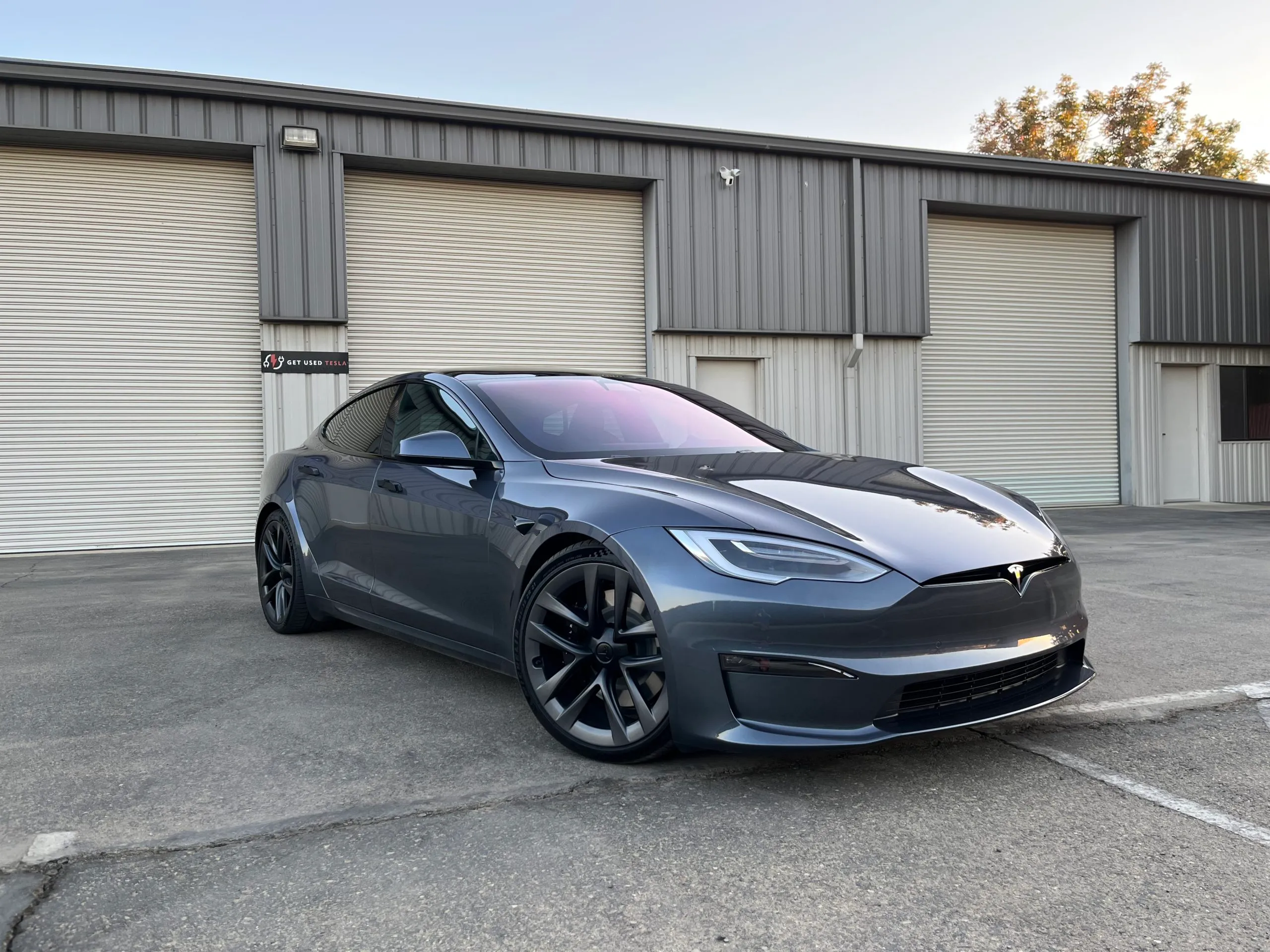
Check the Power Source
- Ensure your home electrical system is up to date and can handle the load. Tesla recommends a 240V outlet for optimal charging.
- Inspect the outlet for any visible damage or wear. A damaged outlet might not provide a consistent power supply.
- If possible, try other outlets to see if the issue persists. This helps identify if the problem is with the outlet or the charger.
Inspect Charging Equipment
- Ensure your Tesla mobile connector or wall connector is properly plugged in both at the outlet and into the vehicle.
- Check the charging cable and connectors for any visible signs of wear or damage.
- If you have another Tesla charging cable, switch them to determine if the issue is with the cable itself.
Verify Charging Settings
- On the touchscreen, go to "Controls" > "Charging" to verify charging status and current settings.
- Ensure that "Scheduled Charging" settings do not conflict with your current time, as this could delay charging start times.
- Adjust the charging current to a lower rate temporarily and see if the issue resolves, which can determine if the car was attempting to draw too much power too quickly.
Restart Your Vehicle and Charging Equipment
- Perform a soft reboot of your Tesla. To do this, press and hold both scroll buttons on the steering wheel until the touchscreen turns off and then back on.
- Unplug the charging connector from both the car and the wall, wait for a few seconds, then plug them back in to see if this resets the charging process.
Update Firmware
- Ensure your Tesla has the latest firmware update. Tesla periodically releases updates that can fix charging and other issues.
- Check for software updates via the car’s touchscreen under "Controls" > "Software". If an update is available, follow the on-screen instructions to download and install it.
Contact Tesla Support
- If none of these steps resolve the charging issue, it's best to contact Tesla Support for further assistance.
- They can perform remote diagnostics on your vehicle and provide more specific guidance based on the issue identified.
- In some cases, an appointment with a Tesla service center may be necessary for a thorough inspection and repair.