How to address charging problems in the 2015 Nissan Leaf?
To effectively address charging problems in the 2015 Nissan Leaf, it's important to diagnose the issue properly and take steps to resolve it. Here's a detailed guide to help troubleshoot and fix any …
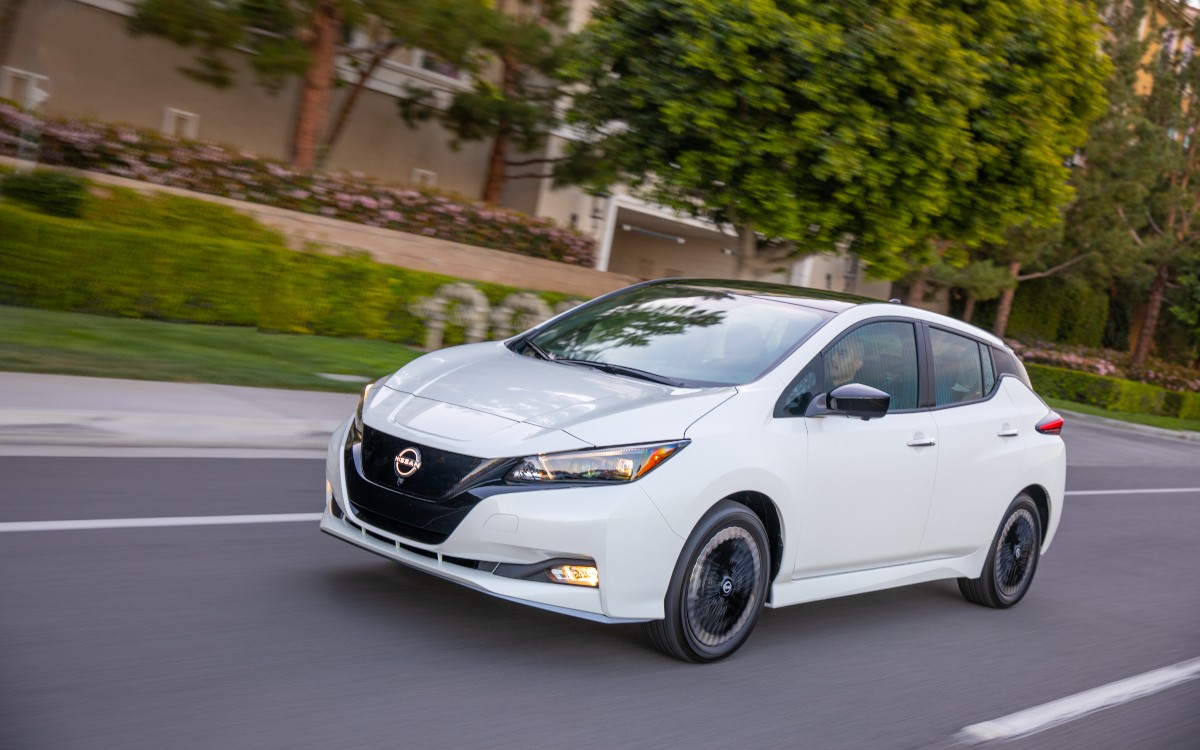
To effectively address charging problems in the 2015 Nissan Leaf, it's important to diagnose the issue properly and take steps to resolve it. Here's a detailed guide to help troubleshoot and fix any charging problems you may encounter with your vehicle:
1. Check the Charging Equipment
- Ensure that your charging cable and connector are not damaged. Inspect for physical wear and tear, fraying, or corrosion.
- Confirm that the charging station is working by testing it with another electric vehicle or using a different charging station.
- Reset the charging unit if it has a reset button or switch.
2. Verify Power Supply
- Check the outlet or power source you are using for charging to ensure it is functioning correctly. Plug in a different appliance to see if it works.
- If you use an extension cord, make sure it is capable of handling the power load needed for charging an electric vehicle. It's recommended to avoid using extension cords as they can cause voltage drops.
3. Inspect the Charging Port
- Examine the vehicle’s charging port for any debris, dirt, or corrosion that might prevent a secure connection.
- Clean the charging port with a soft cloth and ensure the area is free of obstructions.
- Check for any damage to the port pins or sockets, as these can affect charging efficiency and connectivity.
4. Review Charging Settings
- Ensure that the vehicle’s settings are configured properly for the type of charging you are attempting (i.e., Level 1, Level 2, or DC fast charging).
- Verify whether the charging schedule is active, which might prevent charging outside set hours. Adjust or deactivate the schedule if necessary.
- Consult the owner’s manual for specific instructions on setting up and adjusting the charging features of your Leaf.
5. Update Vehicle Software
- Ensure that your Nissan Leaf’s software is up-to-date. An outdated system could cause charging issues.
- Visit a certified Nissan dealership to check for any available software updates that might resolve charging problems or improve charging performance.
6. Consult with a Professional
- If you are unable to diagnose the problem yourself, or if issues persist after following the above steps, consult a professional mechanic or Nissan service center with experience in electric vehicles.
- Explain the issue in detail and mention any troubleshooting steps you have already taken to assist the professional in diagnosing the problem more accurately.
7. Check for Recalls or Service Campaigns
- Visit the Nissan website or contact your local dealership to see if there are any manufacturer recalls or service campaigns related to charging issues.
- If applicable, schedule a service appointment to address these problems as covered by the manufacturer.
By following these steps methodically, you can effectively address and resolve charging problems in your 2015 Nissan Leaf. Be sure to consult your vehicle’s manual and contact a professional if needed to prevent further issues.