How can the ProPILOT Assist system be customized for optimal performance on a 2021 Nissan Rogue?
Understanding ProPILOT Assist ProPILOT Assist is a semi-autonomous driving system available in the 2021 Nissan Rogue designed to enhance driver convenience and safety by assisting with steering, acce…
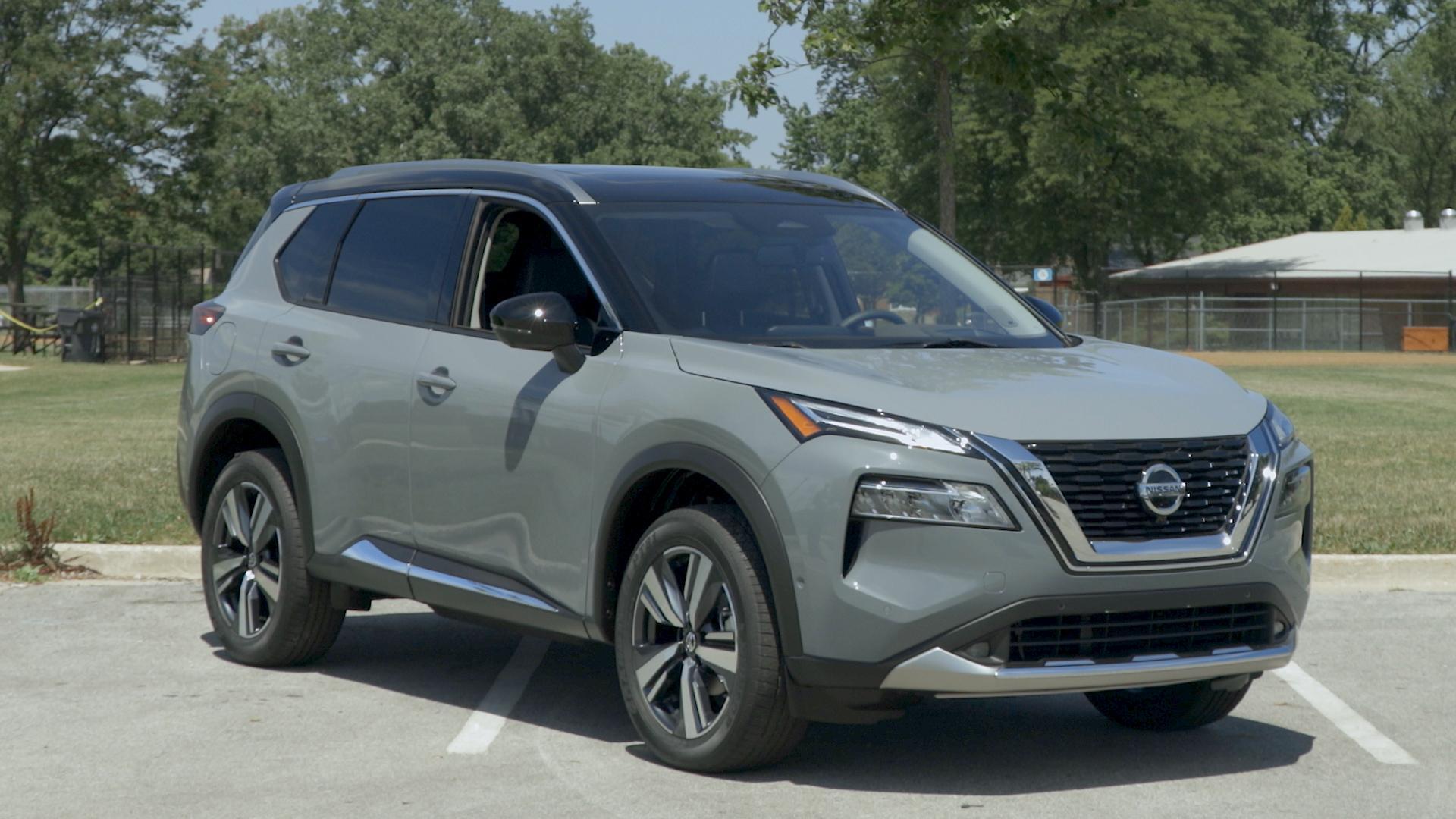
Understanding ProPILOT Assist
ProPILOT Assist is a semi-autonomous driving system available in the 2021 Nissan Rogue designed to enhance driver convenience and safety by assisting with steering, acceleration, and braking. Customizing the system can significantly improve its functionality for your driving preferences.
Join the AutoFame community. Become a member for free, add your car to the garage and tell its story. Join AutoFame.
Adjusting the Following Distance
To adjust the following distance between your 2021 Nissan Rogue and the vehicle in front:
Press the DISTANCE button on the steering wheel.
The system offers three distance settings: long, middle, and short. Each press cycles through these options.
Select the distance that feels safest and most comfortable to you.
Steering Assist Sensitivity
Steering Assist can be fine-tuned to respond more or less aggressively based on your driving preferences:
Navigate to the Settings menu on the in-dash display.
Select Driver Assistance, then Steering Assist.
Choose from available sensitivity levels (e.g., High, Medium, or Low).
Speed Limiter
Customize the speed limiter to match your preferred driving speed:
Click the SET button while driving at your desired speed.
Adjust the set speed up or down using the RES+ or SET- buttons.
Lane Departure Warning and Intervention
Lane Departure Warning and Intervention can also be customized:
Go to the Vehicle Settings menu on the infotainment screen.
Select Driver Assistance, then Lane.
Toggle the Lane Departure Warning and Lane Keeping Assist settings to activate or deactivate these features according to your preferences.
Speed Assistance and Traffic Sign Recognition
Fine-tune the speed assistance system as well:
Access the Speed Limit settings within the Driver Assistance menu.
Calibrate the system to notify you of speed limits based on traffic sign recognition.
Comfort Alerts
Driver comfort can also be maximized by adjusting the alert settings:
Locate Alert & Chime in the Driver Assistance settings.
Adjust the type and volume of chimes and alerts to ensure they are noticeable without being intrusive.
Customizing these settings will help tailor the ProPILOT Assist system to your specific needs, ensuring a safer and more comfortable driving experience in your 2021 Nissan Rogue.
About AutoFame
AutoFame is a home for people who love cars and the stories behind them. Every car on a show field or in a garage has a history: who built it, who saved it, the road trips, the late nights in the shop and the people who helped along the way. AutoFame gives those stories a place to live, so they are not lost when the hood closes or the car changes hands.
Have a car with a story like this? Become an AutoFame member and share it with people who love cars as much as you do.
Membership is free. Once you join, you can add your car to your own AutoFame garage with photos, specs and the story only you can tell. Restorations, survivors, daily drivers, race cars and family heirlooms all belong here. Other members can find your car, follow its progress and connect with you over the details that matter to car people.
Beyond member garages, AutoFame publishes stories, guides and features on the cars, builders and history that shape car culture. You will find buying and restoration guides, car parts explainers, special editions, the newest models and the classics that started it all. The AutoFame Gallery puts member cars on display for anyone to browse, and the AutoFame YouTube channel adds owner interviews, show highlights and the conversations that happen around a good car.
AutoFame is also built for the people who run car shows. Organizers use it to manage entries and judging, and judges score each car category by category on their phones, with a written guide for every category so nothing gets skipped. After a judged show, owners can see what their car was scored on and how it compared. Shows across the Texas Gulf Coast have run on AutoFame, including the Moody Gardens Car Show in Galveston, Good Grub and Gears, and Keels and Wheels at Lakewood Yacht Club.
AutoFame was founded by Kevin Brady, whose own life in cars began long before he started building tools for the hobby. The idea is simple: the people who love these cars should have one place to share them, learn from each other and keep the stories going.
Whether you own a show winner, a project that is still in pieces or simply love reading about great cars, there is room for you here.
Be part of the AutoFame community. Join free and become a member today.