How can the Ford Co-Pilot360 system be customized on a 2021 Ford Escape?
Access the Settings Menu Start your 2021 Ford Escape and ensure it is in park or stationary. This is crucial for safety reasons. Navigate to the main menu on the touch screen by pressing the "Setting…
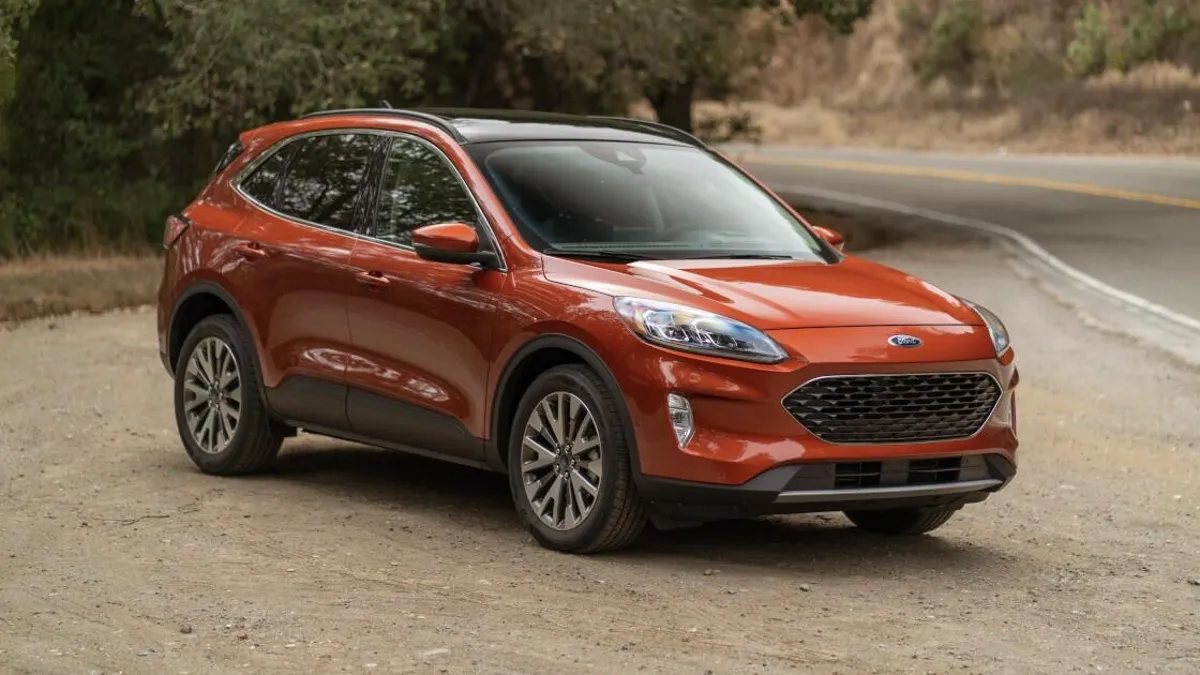
Access the Settings Menu
- Start your 2021 Ford Escape and ensure it is in park or stationary. This is crucial for safety reasons.
- Navigate to the main menu on the touch screen by pressing the "Settings" icon.
- Scroll through the options until you find "Driver Assistance." Select it to enter the Ford Co-Pilot360 settings.
Customize Adaptive Cruise Control Settings
- Within the "Driver Assistance" menu, locate and select "Adaptive Cruise Control."
- Here, you can adjust settings like following distance and speed tolerance.
- Select "Gap Settings" to adjust the distance your vehicle keeps from the one ahead. Options usually include "Near," "Medium," and "Far."
Adjust Lane-Keeping System Settings
- Still under the "Driver Assistance" menu, find and select "Lane-Keeping System."
- Choose from "Lane-Keeping Alert," "Lane-Keeping Aid," or both. Alert will notify you with vibrations, Aid will help guide the vehicle back into the lane, and selecting both combines these features.
- You can also adjust the sensitivity of these alerts to "Low," "Normal," or "High."
Set Up Pre-Collision Assist
- In the "Driver Assistance" menu, find and select "Pre-Collision Assist."
- Enable the system by toggling the on/off switch.
- Select "Sensitivity" to adjust the warning distance. You can choose between "High," "Medium," and "Low."
Configure Blind Spot Information System (BLIS)
- Go to the "Driver Assistance" menu and select "Blind Spot Information System."
- Ensure the BLIS feature is toggled on. You can usually turn this on or off depending on your preference.
- Some models allow you to adjust the sensitivity of the alerts from this menu as well.
Adjust Cross-Traffic Alert Settings
- From the "Driver Assistance" menu, scroll to and select "Cross-Traffic Alert."
- Enable or disable the system using the toggle switch.
Fine-Tune the Rear View Camera
- In the "Driver Assistance" menu, find and select "Rear View Camera."
- Options here may include adjusting the brightness or contrast to better suit your needs.
Save Your Settings
- After customizing each feature, make sure to save the settings before exiting the menu.
- Return to the main screen and test the features to make sure they are configured to your preferences.
By following these steps, you can fully customize the Ford Co-Pilot360 system on your 2021 Ford Escape to enhance your driving experience and improve safety on the road.