How can the COMAND system be updated on a 2021 Mercedes-Benz C-Class?
To update the COMAND system on a 2021 Mercedes-Benz C-Class, follow these steps: Check for Updates Start by checking if there is an available update for your COMAND system. Consult the official Merce…
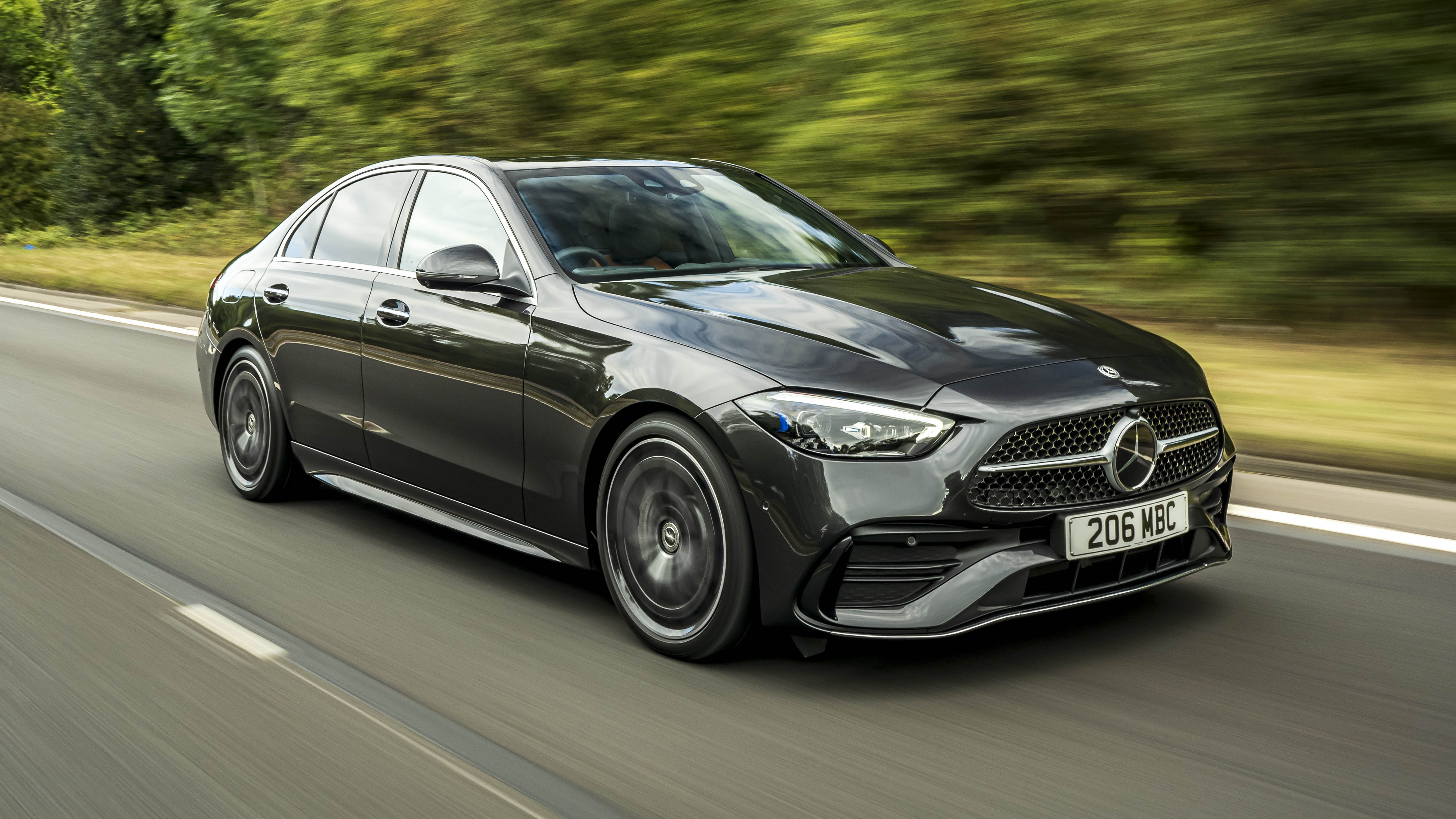
To update the COMAND system on a 2021 Mercedes-Benz C-Class, follow these steps:
Check for Updates
- Start by checking if there is an available update for your COMAND system. Consult the official Mercedes-Benz website or contact your local dealership for the most current information.
Prepare a USB Drive
- Obtain a USB drive with at least 8GB of free space.
- Ensure the USB drive is formatted to FAT32.
Download the Update File
- Access the Mercedes-Benz download center or contact your dealer for the update file.
- Download the appropriate update file to your computer.
- Copy the update file to the root directory of your USB drive.
Start the Update Process
- Insert the USB drive into the USB port of your Mercedes-Benz C-Class.
- Turn on the ignition, but do not start the engine.
- On your COMAND system, navigate to System settings.
- Choose the "Software Update" option and follow the on-screen instructions to locate and apply the update from the USB drive.
Wait for Completion
- The update process may take some time. Do not turn off the vehicle or remove the USB drive during this time.
- The system will notify you once the update is complete.
Verify the Update
- After the update has successfully installed, restart your vehicle.
- Check the COMAND system to ensure that the new software version has been installed.
Remove USB Drive
- Once you have verified that the update is complete, you can remove the USB drive from the port.