How can a new key fob be programmed for a 2015 Nissan Rogue?
Step 1: Gather Necessary Materials A new key fob compatible with a 2015 Nissan Rogue Existing key fob (if available) Your 2015 Nissan Rogue vehicle Step 2: Enter the Vehicle Get into your Nissan Rogu…
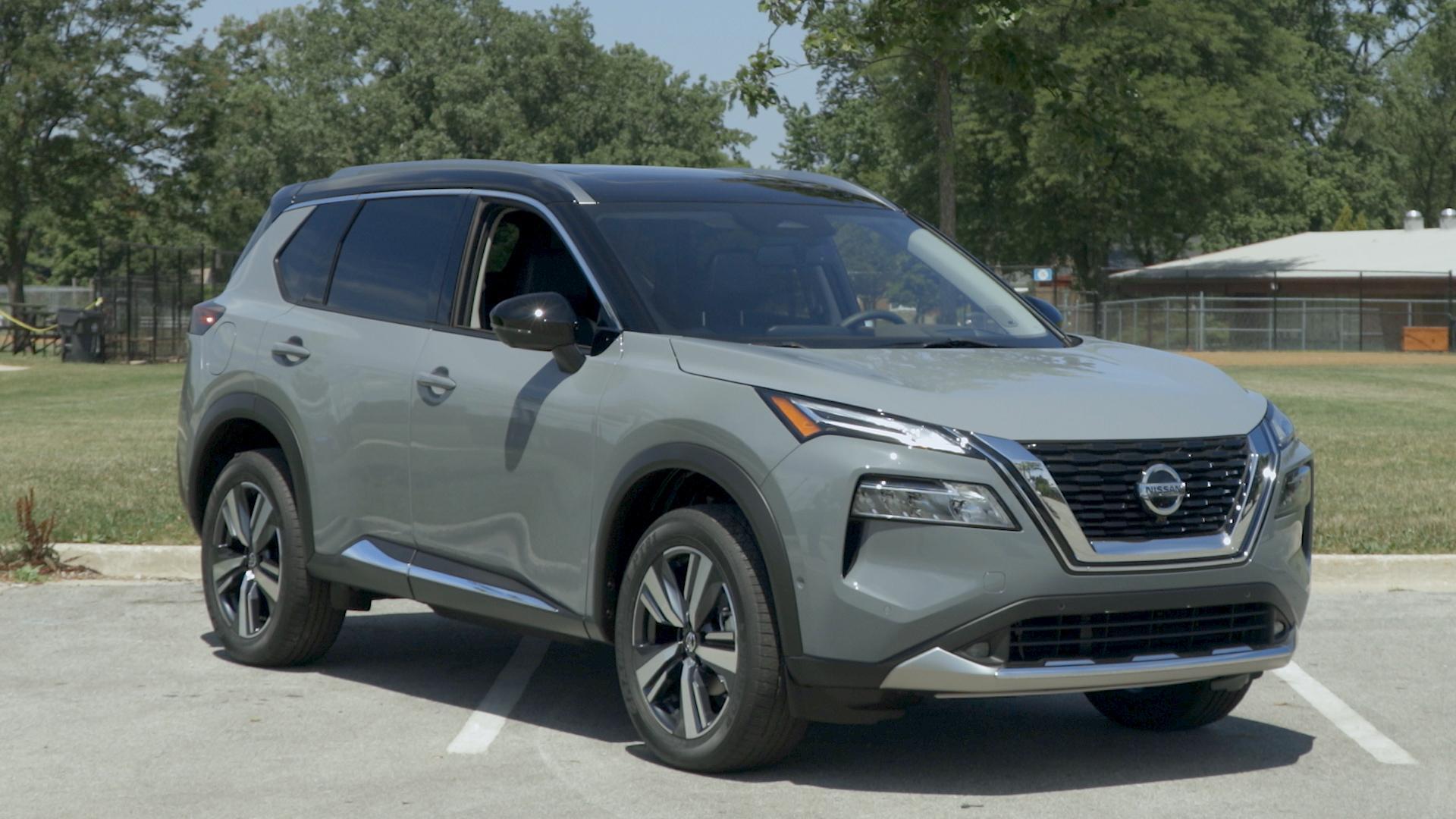
Step 1: Gather Necessary Materials
- A new key fob compatible with a 2015 Nissan Rogue
- Existing key fob (if available)
- Your 2015 Nissan Rogue vehicle
Step 2: Enter the Vehicle
- Get into your Nissan Rogue and close all the doors. The programming sequence will not work properly if the doors are open.
Step 3: Insert the Key
- Insert the key into the ignition without turning it. Then, remove the key. Repeat this process at least six times, but no more than ten times, in a span of ten seconds. You should see the hazard lights flash twice, indicating that the vehicle is in programming mode.
Step 4: Turn on the Ignition
- Insert the key into the ignition and turn it to the "ACC" position.
Step 5: Program the New Key Fob
- Press any button on the new key fob. The hazard lights should flash again to indicate the successful programming of the new key fob.
- If you have additional key fobs to program, press any button on those key fobs as well within the next 10 seconds.
Step 6: Test the Key Fob
- Once all fobs are programmed, turn the ignition to the off position and remove the key.
- Exit the vehicle and close all doors.
- Test each key fob to ensure they can lock and unlock the doors and start the engine.
Step 7: Troubleshooting
- If the new key fob does not work, repeat the steps above carefully. Make sure you complete each step within the specified time frame.
- If the issue persists, consult your Nissan dealer as some models may require professional programming.